


Key Takeaways
- Choose a smartphone with a large screen and accessibility features that support vision, hearing, and dexterity needs.
- Select a cell phone plan based on how your loved one actually uses their device to avoid unnecessary costs.
- Adjust display settings, simplify the home screen, and organize important contacts for easier navigation.
- Set up text messaging and video calling tools to help your loved one stay connected with family and friends.
- Enable health and safety features such as Medical ID information, emergency calling, medication reminders, and location sharing.
Setting Up Technology for Your Senior Family Member
A smartphone can help older adults stay connected with family, manage appointments, access important information, and communicate during emergencies. For many families, introducing new technology is also an opportunity to help a loved one maintain independence and stay engaged with the people and activities they enjoy.
The right setup can make a significant difference in how comfortable your loved one feels using their device. By choosing an appropriate phone, simplifying its features, and taking time to practice together, you can create a smartphone experience that feels approachable and useful rather than frustrating.
How to Choose the Right Smartphone Plan for Your Loved One
Before adjusting settings or downloading apps, it’s important to choose a smartphone and service plan that fit your loved one’s needs. A device that’s easy to use from the start can make the learning process much smoother.
Choose a Phone With a Large, Easy-to-Read Screen
A larger screen makes it easier to read text messages, view photos, and navigate menus. Many smartphones allow users to increase font sizes and icon sizes, but starting with a larger display can provide an additional layer of comfort and accessibility.
Look for Simple Navigation and Accessibility Features
Many smartphones include accessibility features designed to support vision, hearing, and dexterity needs. Look for options such as voice commands, larger text settings, hearing aid compatibility, and simplified home screen layouts that make everyday tasks easier.
Select a Cell Phone Plan Based on Actual Usage
Consider how your loved one plans to use the device. Someone who primarily makes phone calls and sends occasional texts may not need an expensive unlimited plan. Choosing a plan that matches their habits can help avoid unnecessary costs and confusion.
Tips for Setting Up a Cell Phone for a Senior
Once you’ve selected a device, take time to customize it for your loved one’s daily routine. Small adjustments can make the phone feel more familiar and easier to navigate.
Adjust Display Settings for Better Visibility
Increase text size, icon size, and screen brightness to improve readability. Many phones also offer high-contrast settings and bold text options that can make information easier to see in different lighting conditions.
Simplify the Home Screen Layout
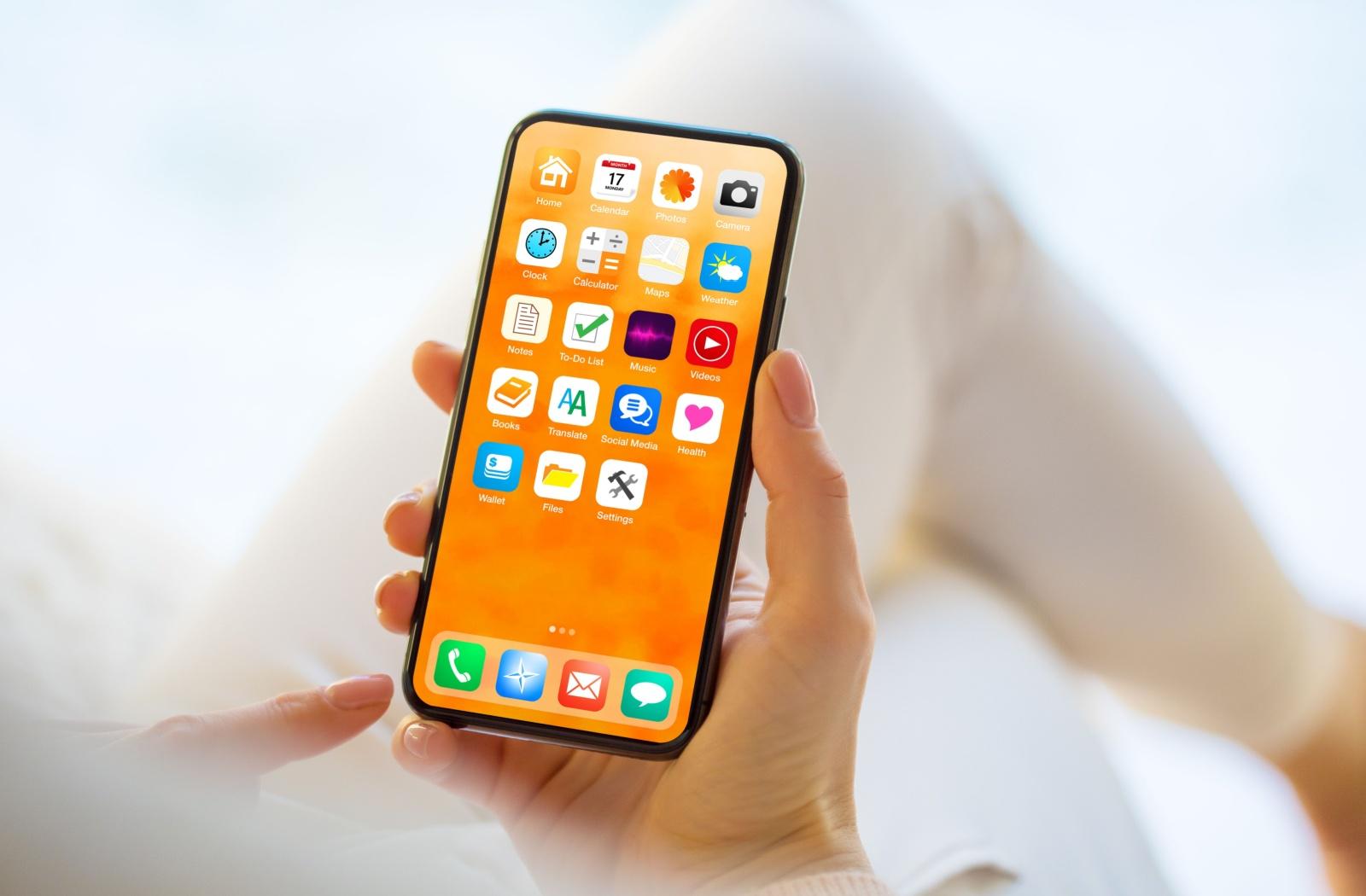
Keep the home screen clean by removing unnecessary apps and widgets. Place frequently used apps, such as Phone, Messages, Camera, and Contacts, in prominent locations where they’re easy to find.
Organize Important Contacts
Save important contacts with clear names and photos whenever possible. Consider adding family members, healthcare providers, and emergency contacts to a favorites list so they can be reached quickly.
Set Up Text Messaging and Video Calling
Text messaging and video calls can help your loved one stay connected with family and friends. Choose one video calling platform that your family uses regularly and spend time practicing how to answer and place calls.
Reduce Unnecessary Notifications and Distractions
Frequent alerts can become overwhelming for someone who is still learning a smartphone. Turn off unnecessary notifications and keep only the most important alerts active to create a less distracting experience.
Health and Safety Features for Senior Cell Phones
Many smartphones include built-in tools that can support health, safety, and peace of mind. Taking a few minutes to set up these features can help your loved one feel more secure while using their device.
Some helpful health and safety features include:
- Medical ID information with emergency contacts
- Emergency SOS calling features
- Medication reminder apps
- Location sharing with trusted family members
- Fall detection features, when available
- Healthcare provider contact information
- Calendar reminders for appointments and important events
These features can provide valuable support without making the phone more complicated to use. Focus on the options that are most relevant to your loved one’s daily life and comfort level.
How to Teach a Loved One to Use a Cell Phone
Learning a new device takes time, especially for someone who didn’t grow up using smartphones. Patience, repetition, and encouragement can help build confidence over time.
A few strategies can make the learning process easier:
- Start with phone calls and text messages before introducing other features.
- Focus on one skill at a time rather than teaching everything at once.
- Practice common tasks regularly to build familiarity.
- Encourage hands-on use instead of simply watching demonstrations.
- Schedule occasional refreshers to reinforce what they’ve learned.
- Answer questions calmly and provide reassurance when mistakes happen.
The goal isn’t to master every feature. It’s to help your loved one feel comfortable using the tools that matter most in their daily life.
How to Set Your Loved One Up for Success
Helping a loved one learn to use a smartphone starts with understanding their needs and creating a setup that feels simple and manageable. Choosing the right device, adjusting accessibility settings, and practicing everyday tasks together can help build confidence over time.
At Somerby Mount Pleasant, we understand the importance of staying connected to family, friends, and the experiences that bring meaning to daily life. Technology can support those connections when it’s introduced thoughtfully and paired with ongoing encouragement. Book a tour with us today to learn more about how we can support your family!